BXS · Branch Experience Simulator
Your branch experience, on demand.
BXS goes beyond architectural renderings. It simulates how customers would experience any branch change, and what it would cost, before you commit your time, people, and budget, for a renovation, a relocation, a new branch, or a new service model.
Synths
Simulated customers and staff, with goals and opinions, show you how the branch will work.
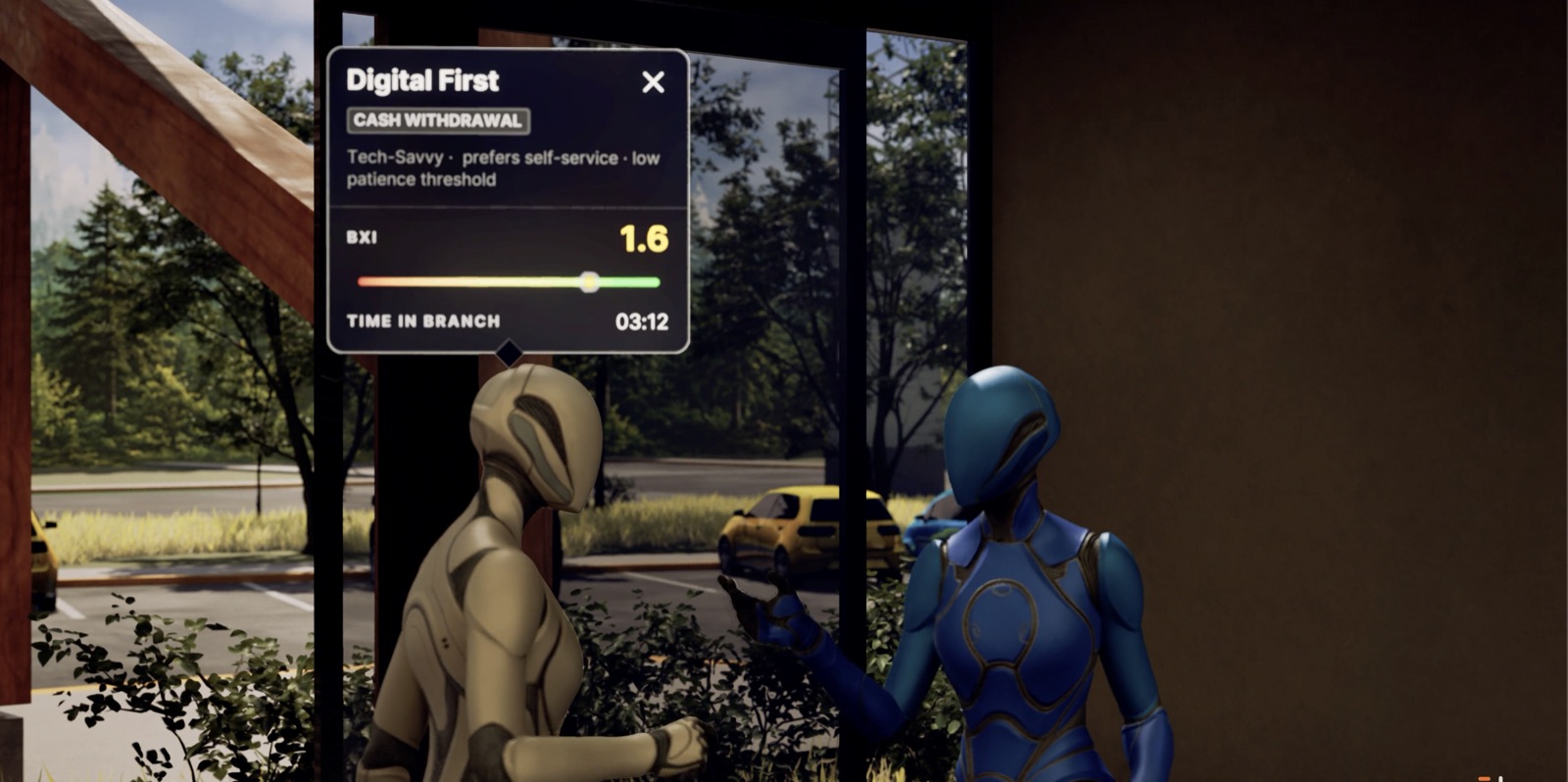
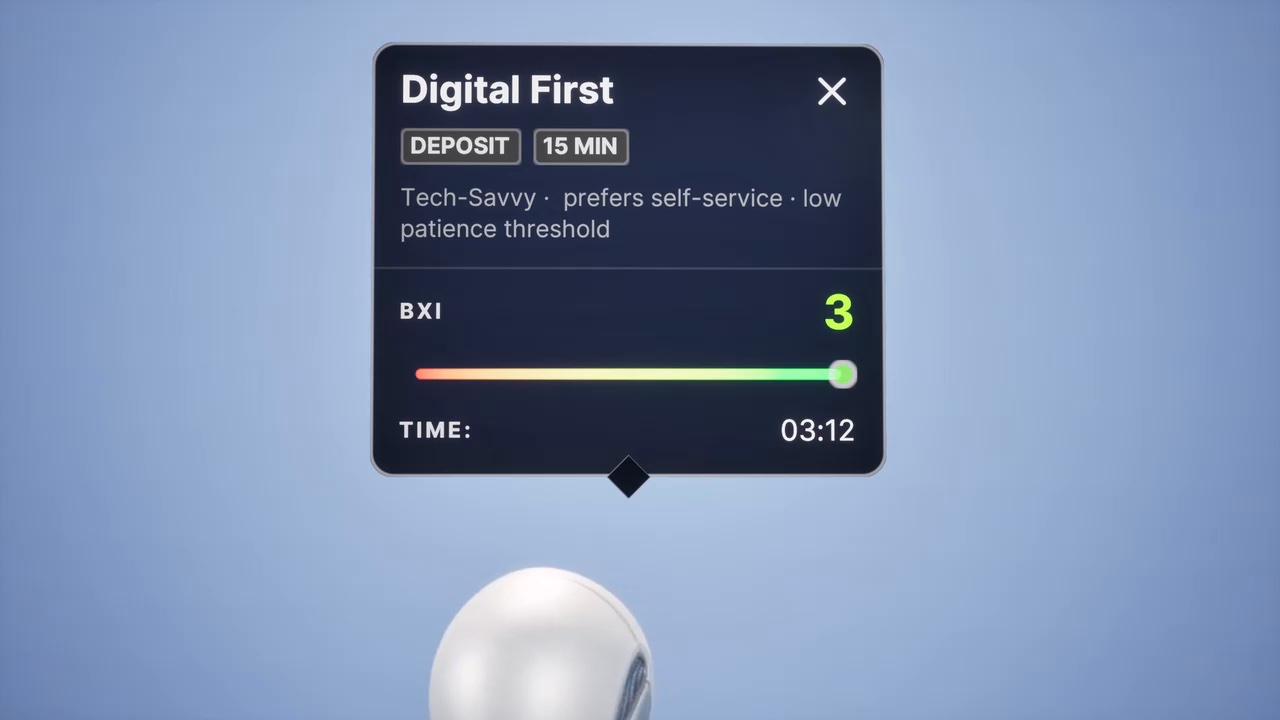
In BXS, simulated customers and employees are called synths. Each synth is a persona: it has a goal, an expectation of how long it should take, and a preference for how to get it done. Synths perform the transactions that matter most to your bank, and every moment of their visit is scored.
Personas, not persons: synths are built from patterns, never from a real customer’s record.
The Branch Experience Index (BXI)
One score lets you compare the experience lift of every option.
Every moment of a synth’s visit is scored, from wait times to whether the transaction succeeded. Those moments add up to one number, the Branch Experience Index, so you can see which option improves the experience, and by how much, before you decide whether to go ahead.
Scenarios
Save each option as a scenario, and compare experience against cost.
Change the floor plan, the staff, the schedules, or the technology, and save each version as a scenario. Every scenario meets the same synths on the same days, so the differences you see come from the change itself.
Each run produces a BXI score and a detailed experience-versus-cost report, so the trade-off is in front of you in numbers.
Context from GeoPulse
Start every scenario with the community and competitors around the branch.
GeoPulse, our mapping tool, adds the community and competitive picture to your footprint before you simulate. See your whole footprint or drill into a single branch, and find the opportunities worth testing: new branches, renovations, relocations, and technology pilots.
See GeoPulse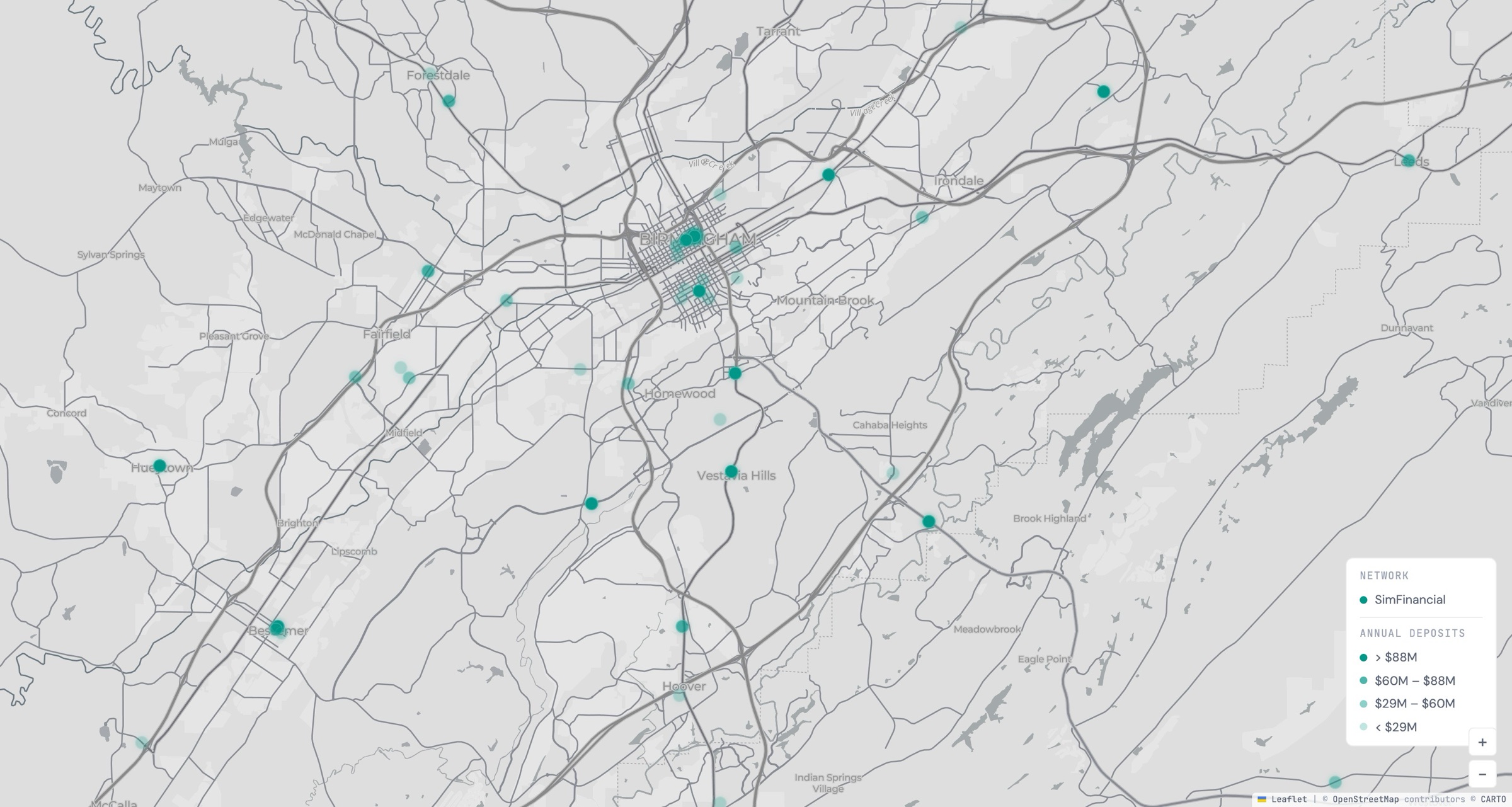
How we work with you
We build the twin with your team, then run the options you are weighing.
- Build the twinWe create digital twins of your branches and personas, or import your existing 3D models and data.
- Tune it togetherWe fine-tune the settings with your team, from transaction times to BXI weights to employee skills.
- Design the scenariosOnce the baseline branch is set, we co-design new scenarios, such as adding an ATM or changing a process.
- Run and reportWe run the simulation and deliver a BXI score and an experience-versus-cost report for each scenario.
- Make the caseWe help you document the new customer journeys and build the financial case for the investment.
No data? No problem.
Start with public data, and swap in your own whenever you are ready.
BXS starts from public FDIC and FFIEC data for market and persona analysis, so you can begin before your team shares anything. When you are ready, your own floor plans, staffing, and transaction volumes replace the starting assumptions.
See BXS applied to real branch decisions
Start here
See BXS on a branch like yours.
Book a live demo. We’ll show you a SimFinancial branch at its busiest hour, then talk about which of your branches to simulate first.