Branch Experience Simulator (BXS)
You know how your branch will look. Do you know how it will perform?
The Branch Experience Simulator builds a working 3D model of your branch, called a twin, and fills it with simulated customers. You change the floor, the staff, or the machines, and compare how each option serves your customers and what it costs, before you spend.
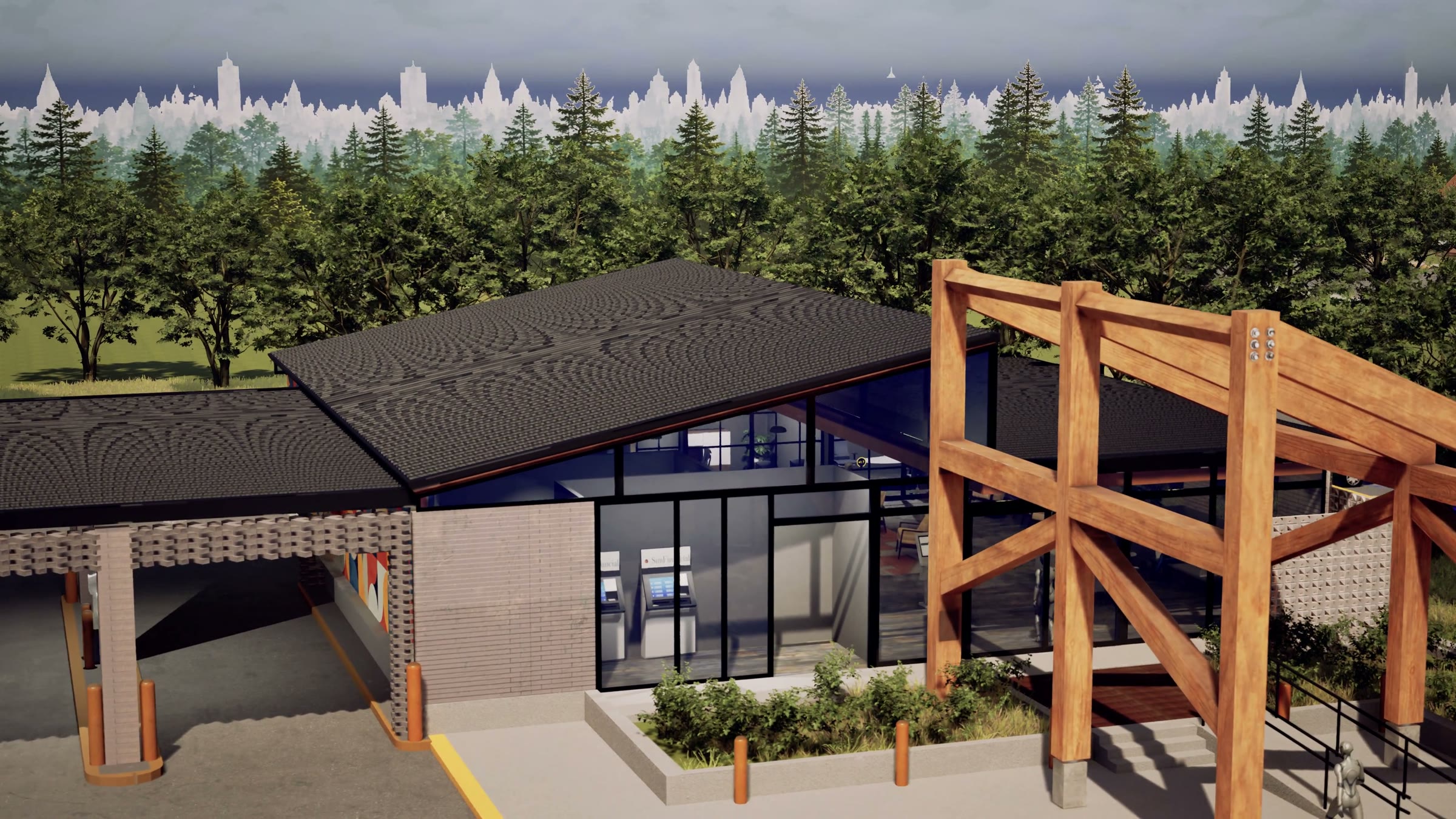
How it works
The simulator scores every visit, so you can compare options fairly.
- Simulated customersEach simulated customer, called a persona, has a goal, an expectation of how long it should take, and a preference for how to get it done. Patience is drawn from a published Verint survey of 2,000 bank customers in the United States.
- An experience scoreEvery moment of a visit scores from −3 to +3, and a visit’s Branch Experience Index (BXI) is the average of its moments. Every score traces back to a moment you can change.
- Fair comparisonsEach version of your branch meets the same customers on the same days, many times over, so the difference between two options comes from the change itself.
- Years in minutesThe simulator runs years of business days in minutes, with seasons and staff changes, so you see how a decision holds up over time, not just on one day.
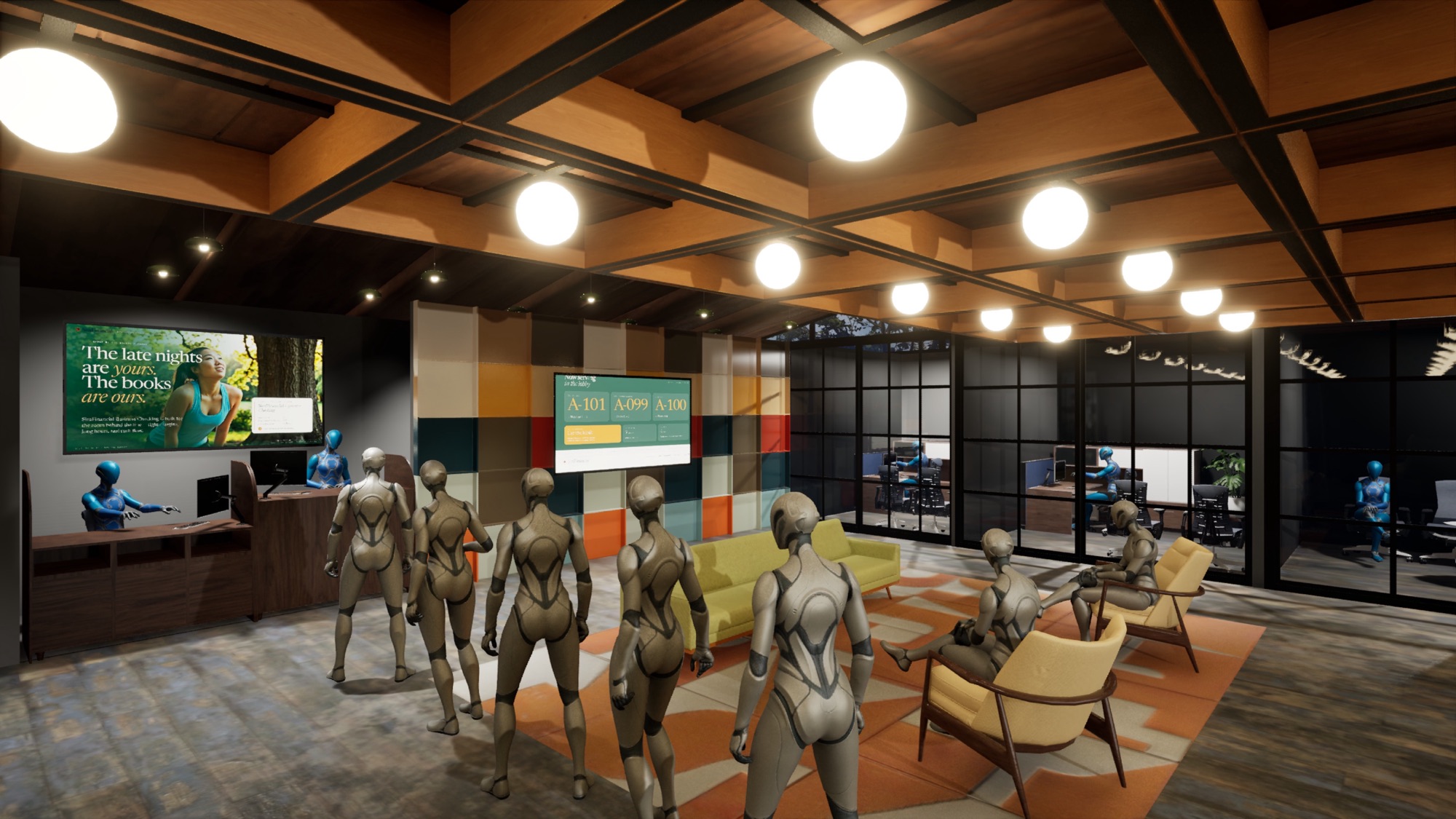
When to use it
Use the simulator for any decision that changes how your branch serves customers.
- RenovationFind the layout and staffing that hold up at your busiest hour, before construction starts.
- RelocationSee how the community around the new address will use the branch, and staff it to match.
- New branchesChoose the format to build before you break ground.
- New service modelsAdd self-service without losing the customers who need a person.
JourneyDesigner
Map why your customers come in, then simulate what happens.
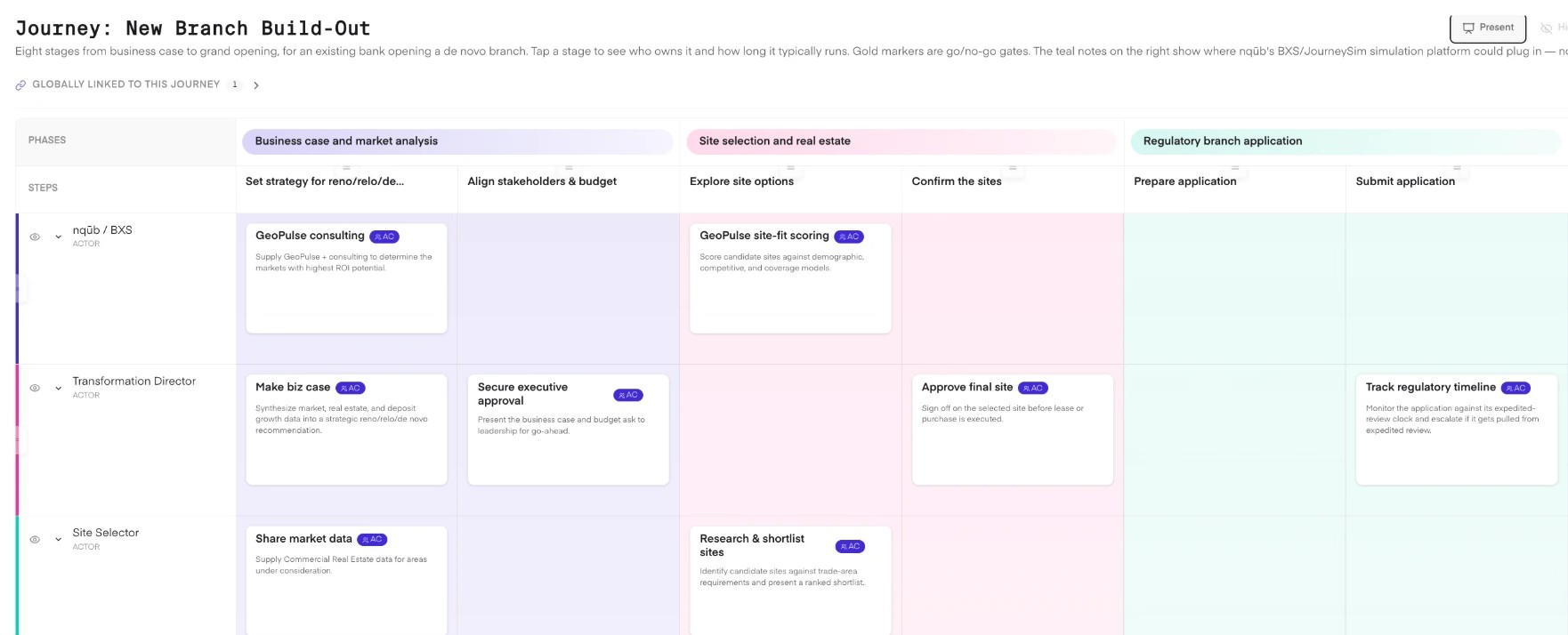
JourneyDesigner is our journey-mapping tool. With your team, we map who comes to the branch, each step of their visit, what they need, and where it breaks down. Those journeys become the scenarios the simulator runs, and the results go back into the map, so your plan and your simulation stay one story.
Where it fits
Where the simulator helps across your branch project, before and after opening day.
A branch project has two phases. The first ends on opening day; in the second, the years after, the branch earns its return. Filled steps are where we help; your team and partners lead the rest.
Phase 1 · To opening day
- Step 1Business caseGeoPulse: market potential, and each branch’s range of results
- Step 2SiteGeoPulse: candidate sites scored
- Step 3ApprovalsYour team and partners lead
- Step 4Design and prototypeWhere a change costs leastBranch Experience Simulator: every option tested on the same customers and days
- Step 5BuildYour team and partners lead
- Step 6TechnologyYour team and partners lead
- Step 7Staff and trainSimulator and Banker Assist: the right staffing, and practice before opening day
- Step 8OpenSimulator: marketing, events, and digital signage, tested before launch
Opening day
Phase 2 · After opening, where the return is earned
- Step 9Year oneReal customers arrive and the team settles in. In our experience, staffing often settles by the end of the year.We tune staffing to real traffic and support your team through its first months, when it needs it most.
- Step 10Years two to fiveThis is where the return shows up, or doesn’t. Many banks look at about year five to judge whether a branch is paying back.We run the branch again each year against real traffic, so you test changes before you make them.
Common questions
The answers your finance, operations, and security teams will ask for.
For a closer look at the product itself, see BXS.
What data do you need from us?
To start, none: a Branch Brief uses public data. For a twin, we ask for floor plans or 3D models if you have them, staffing schedules, and transaction volumes by hour and type. Nothing about individual customers.
How is the experience score built?
From what happens in the run: waiting, effort, and whether each customer got what they came for, weighted with your team. It compares options inside one study. It is not a forecast, and every report shows how it was built.
Do you watch our customers?
No. The simulator never uses faces, biometrics, or identities. Every simulated customer is generated from patterns.
How long does it take, and what does it cost?
We aim to send a Branch Brief within five business days. A pilot on a few branches takes weeks, not quarters. We agree scope and price in a 30-minute walkthrough.
Does this replace our design firm?
No. We work before design and hand your design partner a tested mix. How we work with design firms.
Start here
Send us one branch address.
We aim to send your Branch Brief within five business days: the community around it, the mix worth testing, and the questions worth simulating. It is built from public data, so you share nothing to start.