Plan for deposit growth from day one
Will every piece of your branch keep performing after opening day?
The Branch Experience Simulator tests your branch on simulated customers before you build, renovate, or relocate, and for years after it opens. Compare how each option serves your customers, and what it costs, so your branch is designed for deposit growth from day one.
Why simulate
Floor plans show how a branch will look. They don’t show how it will work.
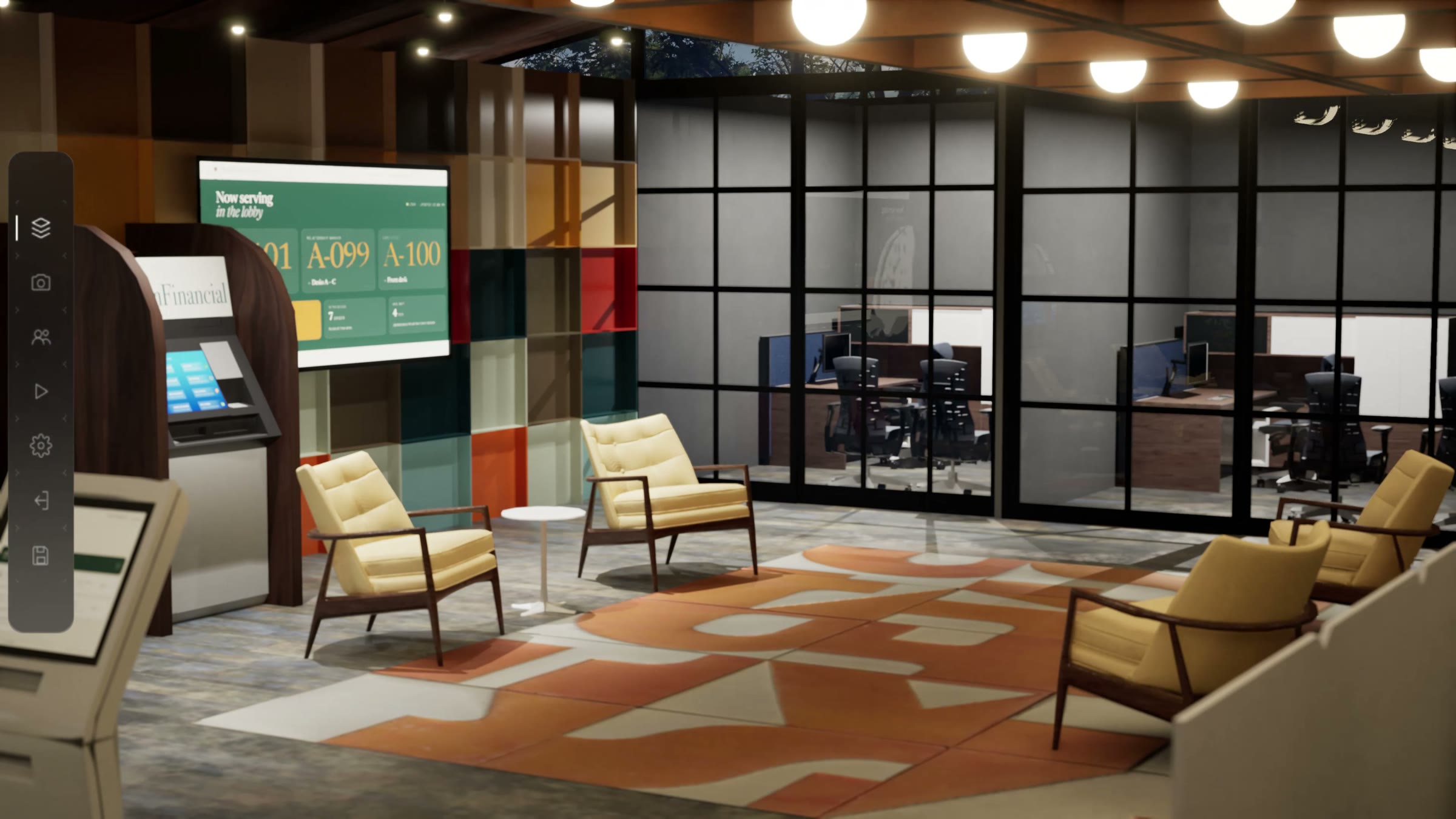
Most branch decisions are made from floor plans, averages, and judgment. Then the doors open and real behavior meets the design: the line forms in the wrong place, the new machine sits idle, or a banker is never free when a customer needs one. Fixing that after opening costs more than getting it right before.
The simulator puts customer behavior into the plan. You see where lines form, which services get used, and whether the design holds up at your busiest hour, so you can choose between options on evidence instead of opinion.
What the simulator does
Simulate.
Simulated customers, called personas, visit a working 3D model of your branch. Each has a goal, an expectation, and a preference, so you see how real visits would unfold.
Accelerate.
Decide with the trade-offs side by side. Tune your mix of people, process, and technology to support the branch beyond opening day.
De-risk.
Every option meets the same customers on the same days, so the differences you see come from the change, not from chance. You learn this before the money is spent.
Where it fits
Opening day ends the first phase of a branch project. The return is earned in the years after it.
Choose your project type to see its steps, and where the simulator and our other tools help you.
Phase 1 · To opening day
- Step 1Business caseGeoPulse: market potential, and each branch’s range of results
- Step 2SiteGeoPulse: candidate sites scored
- Step 3ApprovalsYour team and partners lead
- Step 4Design and prototypeWhere a change costs leastBranch Experience Simulator: every option tested on the same customers and days
- Step 5BuildYour team and partners lead
- Step 6TechnologyYour team and partners lead
- Step 7Staff and trainSimulator and Banker Assist: the right staffing, and practice before opening day
- Step 8OpenSimulator: marketing, events, and digital signage, tested before launch
Opening day
Phase 2 · After opening, where the return is earned
- Step 9Year oneReal customers arrive and the team settles in. In our experience, staffing often settles by the end of the year.We tune staffing to real traffic and support your team through its first months, when it needs it most.
- Step 10Years two to fiveThis is where the return shows up, or doesn’t. Many banks look at about year five to judge whether a branch is paying back.We run the branch again each year against real traffic, so you test changes before you make them.
Our tools
Each tool answers one question about your branches.
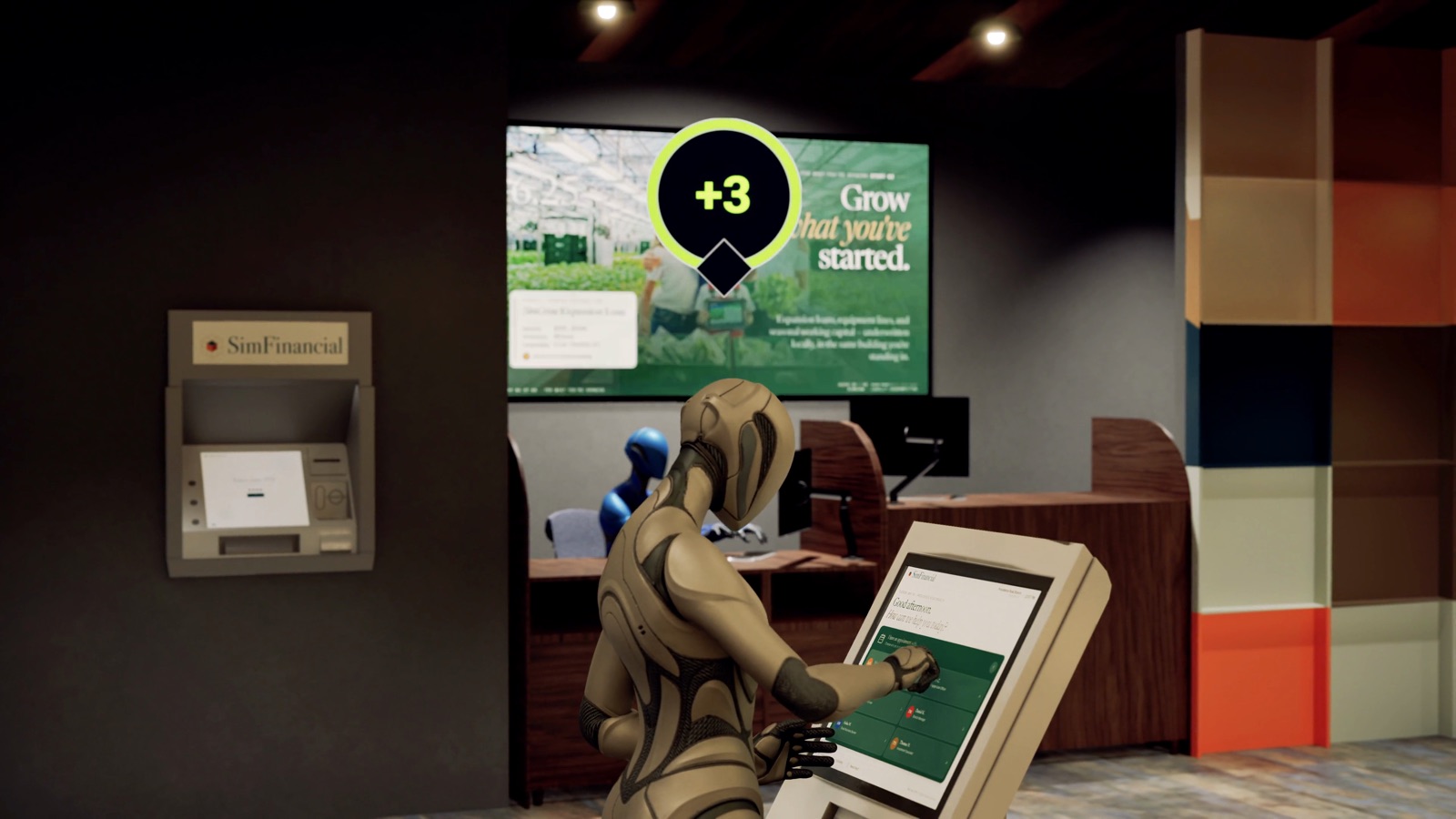 Branch Experience SimulatorWhat will happen in your branch? Test staffing, layout, and technology on simulated customers, and compare the options on one experience score against cost.See how it works
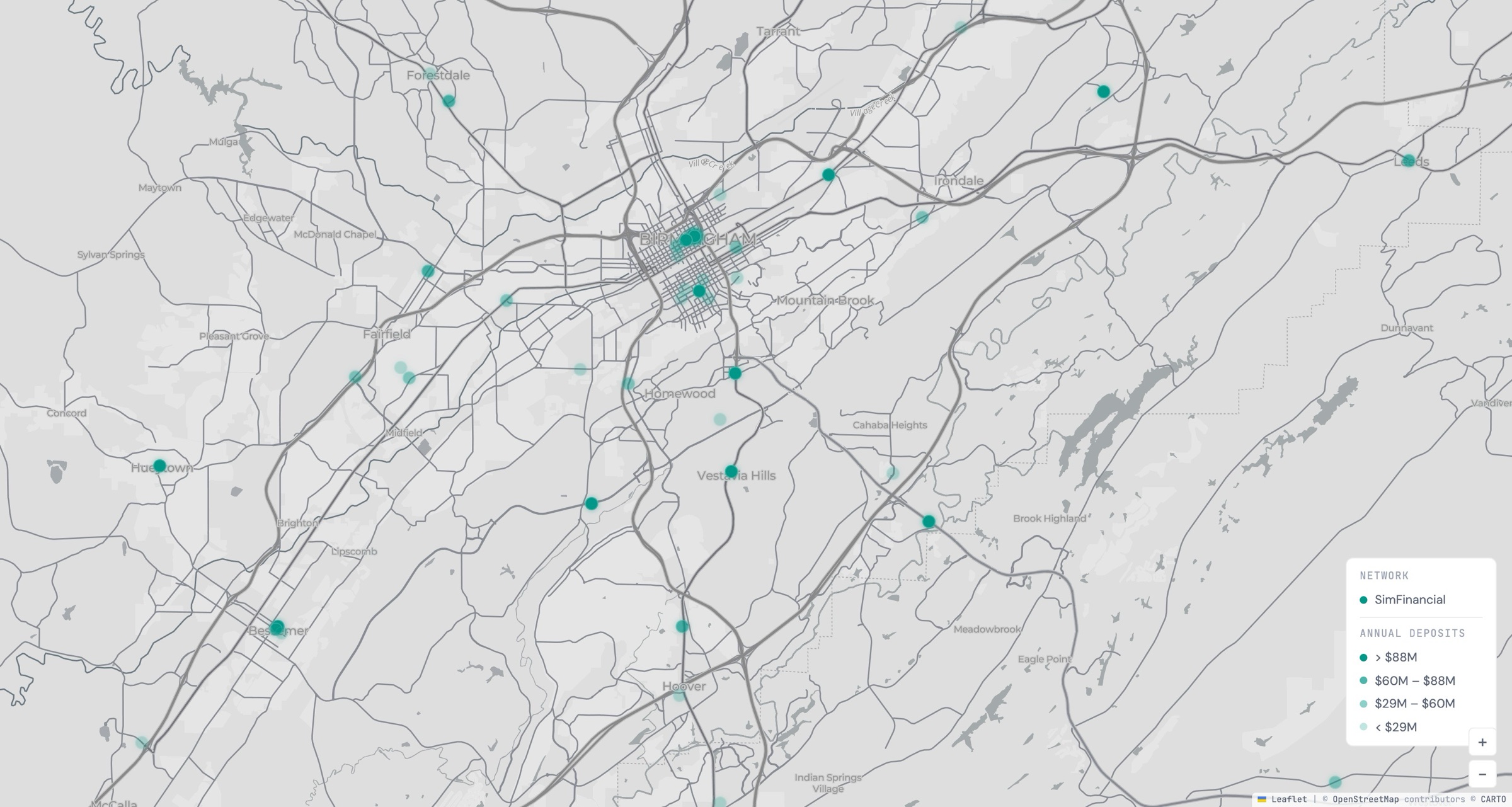 GeoPulseWhere are your branches, and who do they serve? A map of your footprint, and a Branch Brief on any branch from public data.See GeoPulse
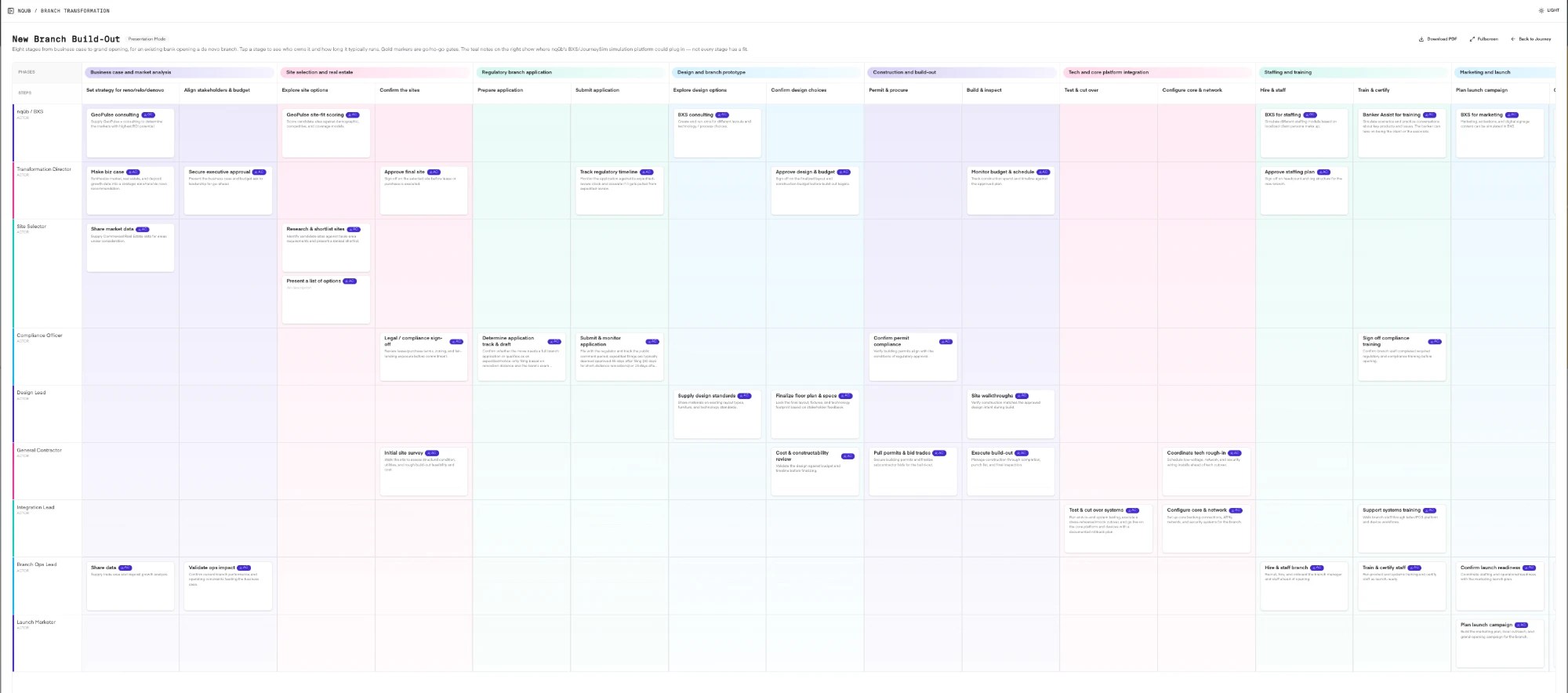 JourneyDesignerWhy do your customers come in? Map their journeys with your team, then test the fixes in the simulator.See JourneyDesigner
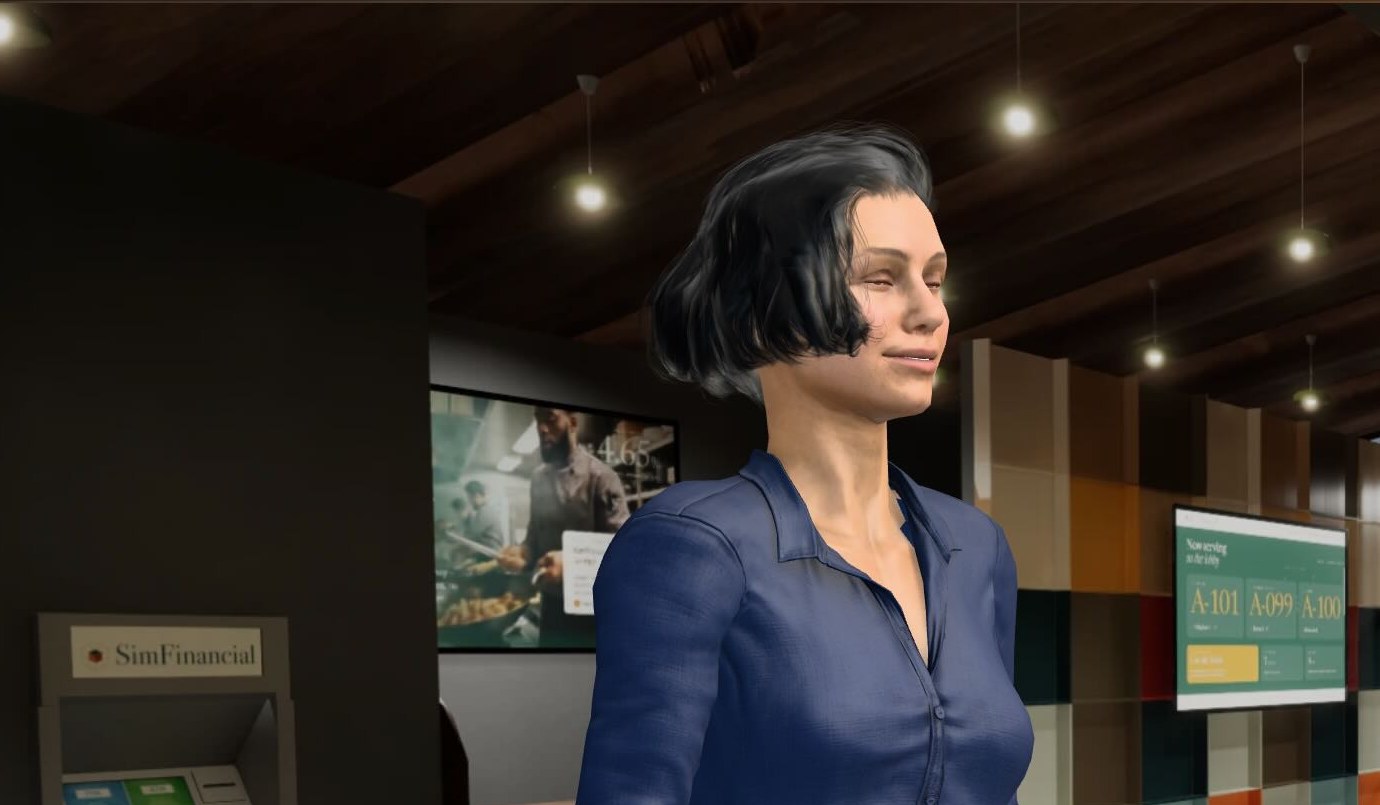 Banker AssistIs your team ready? An AI appliance that trains staff and coaches conversations, running entirely inside your bank.See Banker Assist
We also secure and support ATM fleets. See our ATM security work.
Use cases
See the tools applied to real branch decisions.
Each use case starts with the decision it helps you make: where the line will form before you change a layout, or which change improves customer experience most before you fund it. They run on SimFinancial, our fictional bank.
See the use cases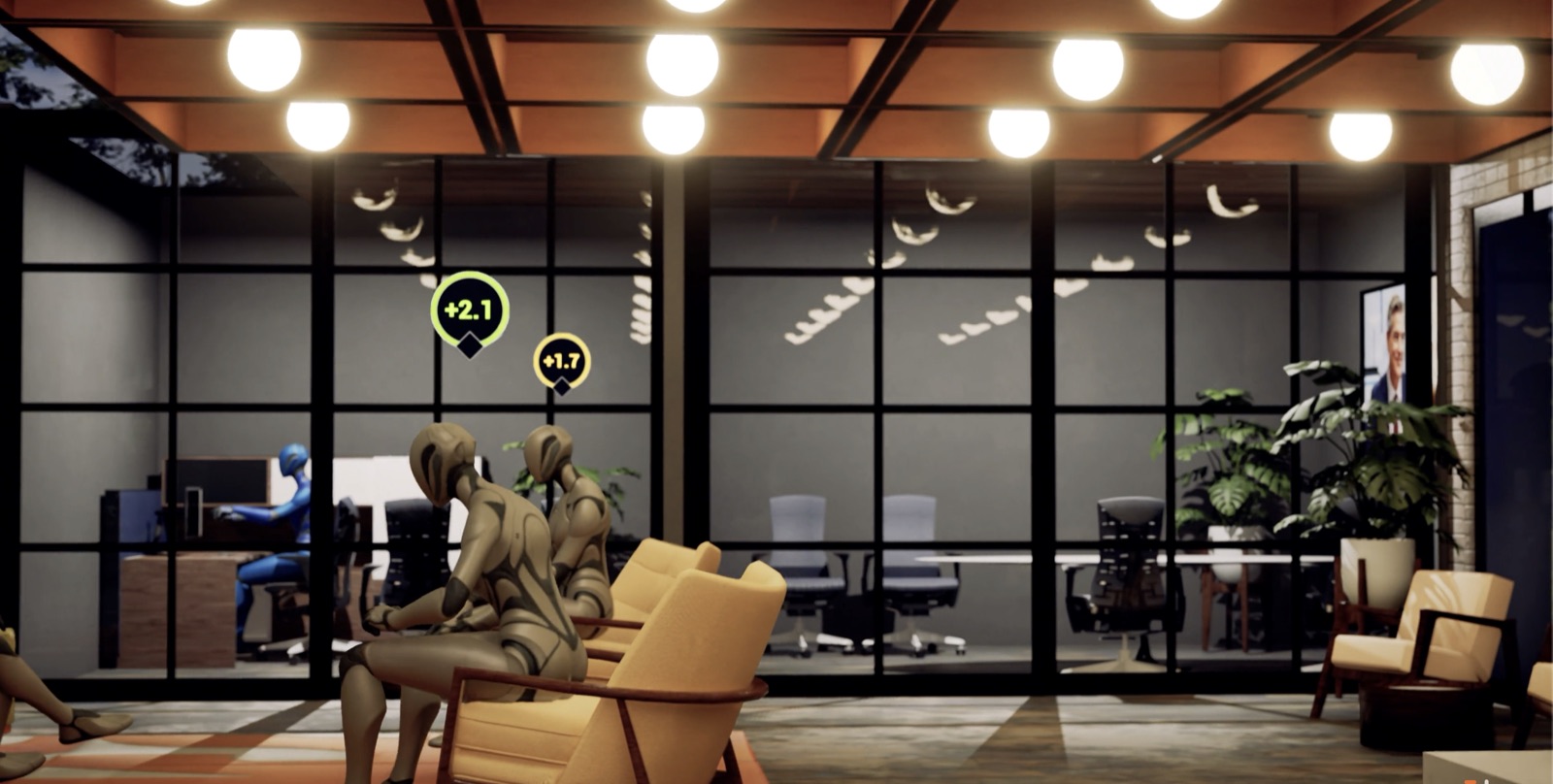
Personas, not persons
We simulate behavior, never real people.
Every customer in a simulation is a persona with a goal, an expectation, and a preference. None is a real customer. The simulator uses no cameras, faces, or tracking of people.
How we handle data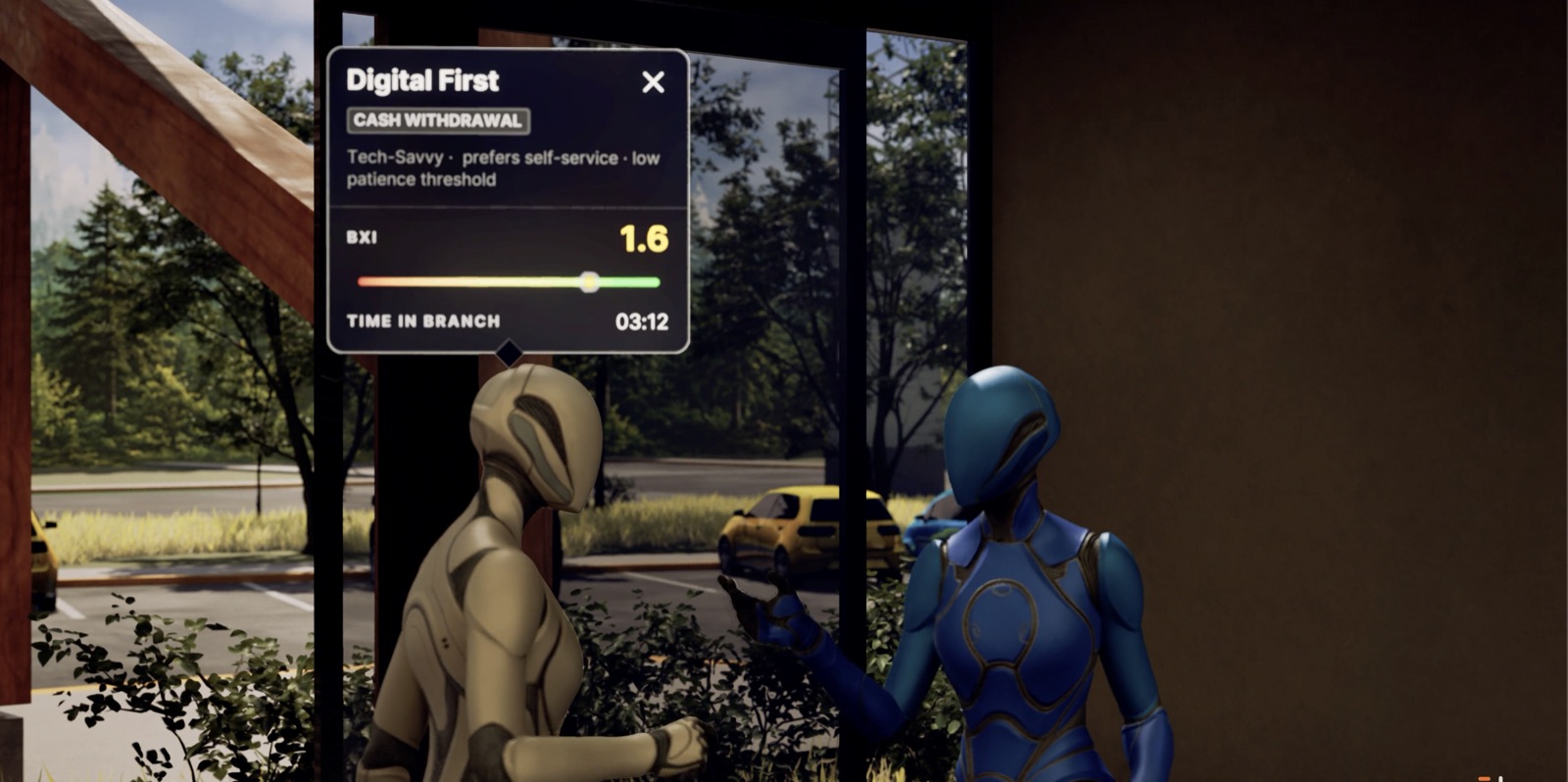
For design and build firms
We test the branch mix before the design brief.
We hand your design partner a tested mix of staffing, products, channels, and ATMs. They design and build it. We don’t do brand, signage, architecture, or construction, so their concept arrives already tested.
How partnering worksMeet us at Branch Transformation Summit 2026, booth A12.
Bring one branch address. We’ll show you what public data alone says about it, then run a busy lunch hour in a simulated branch.
Start here
Send us one branch address.
We aim to send your Branch Brief within five business days: the community around it, the mix worth testing, and the questions worth simulating. It is built from public data, so you share nothing to start.